
Phishing in the dark: Can you spot the scam?
2 July 2025 · 4 min read · Mr Strategy
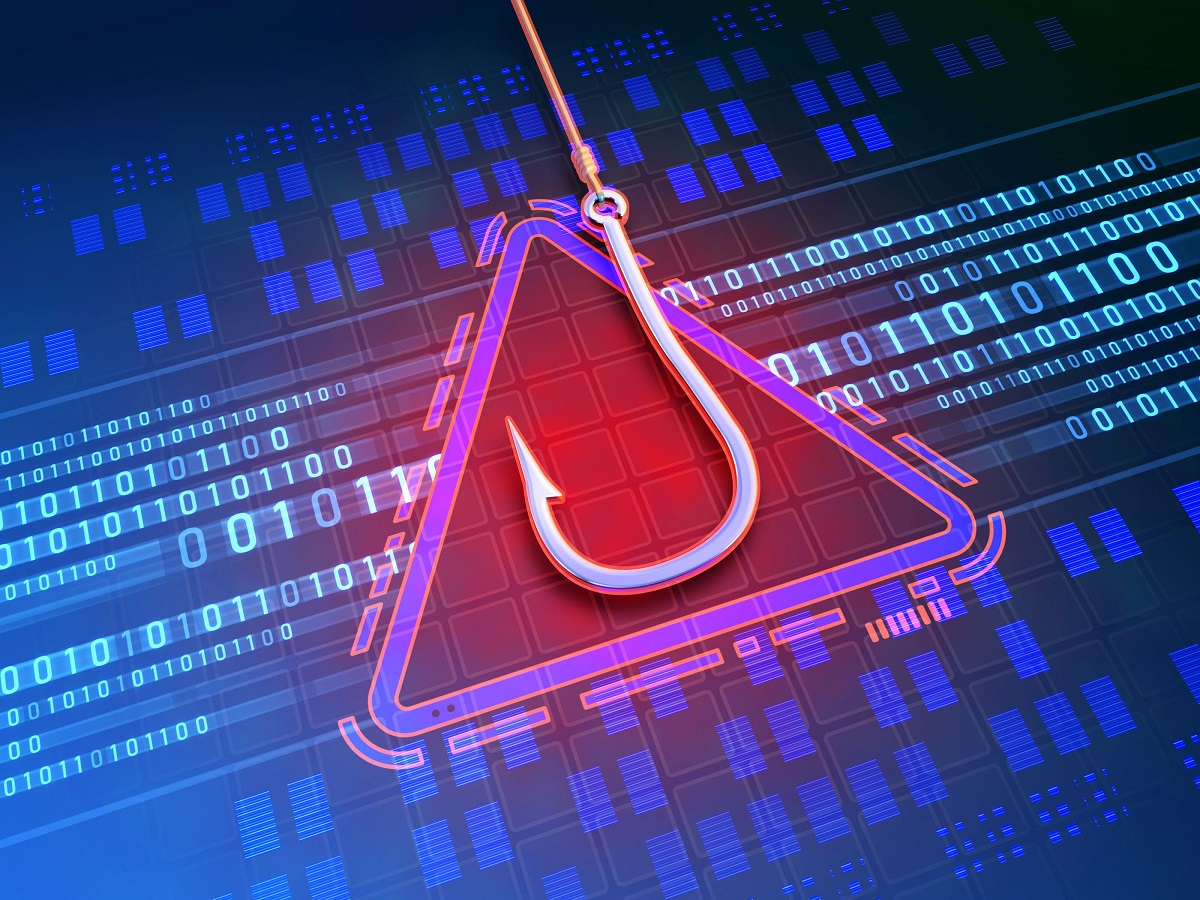
It started like any other Monday. Overcast skies. Heavy traffic on Jinja Road. At 9:13 AM, the IT manager of a prominent NGO based in Ntinda received an email with the subject: “Updated COVID-19 compliance form – Action Required”. It was urgent, signed off with the name of their country director, complete with signature and internal branding.
He clicked.
By 10:06 AM, every server on their network was encrypted. A ransom note blinked on the screen:
“Your files have been locked. Send $8,000 in Bitcoin to this address within 72 hours or lose everything.”
Welcome to phishing in the dark, Uganda’s new silent epidemic. It is so brutal, it comes like a rape. Victims are too afraid to speak up.
What makes this scam so dangerous?
Unlike the crude email scams of old (“Dear Sir, I have $10 million for you…”), This new wave of cyberattacks is intelligent. It’s patient. It sits in the dark and studies you.
This particular attack used a technique called “spear phishing.”
Here’s how it unfolded:
- Reconnaissance phase. The attackers followed the NGO’s social media posts. They identified staff members, read job titles, and even noted recent travels and project updates.
- Email spoofing. Using a domain name like @ngougandà.org (instead of the real @ngouganda.org), they crafted a fake internal policy memo. The language matched past memos, thanks to ChatGPT. The logo was identical. No typos. No red flags.
- Payload delivery. A harmless-looking Word document came attached. Once opened, it prompted the user to “Enable Content.” That single click executed malicious code, giving attackers remote access.
- Lateral movement. From the IT manager’s laptop, they quietly moved through the network, harvested credentials, and deployed ransomware. The entire operation took less than an hour.
- The email domain was subtly different.
- The tone was overly urgent, pressure to act “before COB.”
- The attachment required macros to view, which is rarely necessary for internal docs.
- The sender’s actual email address, on close inspection, had no domain keys identified mail (DKIM) or sender policy framework (SPF) authentication, basic email security standards.
- Real government domains use .go.ug, but ministry-labour.go.ug was a newly registered fake domain.
- The real HR director’s name is public on the ministry website, easily faked.
- XLSM files with macros are a major red flag.
- No prior notice or internal memo referenced this form.
- The word labour uses a special character, à, which is odd! Be mindful when you see domains with dashes or special characters.
- Verify internally. Never trust, always confirm.
- Hover before you click. Links lie. The URL beneath might take you to bit.ly/2XyHR45 or a phishing clone site.
- Use two-factor authentication, even if your password is stolen, it blocks access.
- Train your staff. Quarterly phishing simulations save millions.
- Have an incident response plan. When disaster hits, your survival depends on speed, not perfection.
Comments
No comments yet. Be the first to share your thoughts.